
TeaKit
Test your mod by driving Minecraft and checking what happens.

Minecraft development
A chest opens, an item moves, a player joins the server. TeaKit lets you describe that interaction in TypeScript, run it in Minecraft, and check the result. The same test can run on Fabric, Forge, and NeoForge.
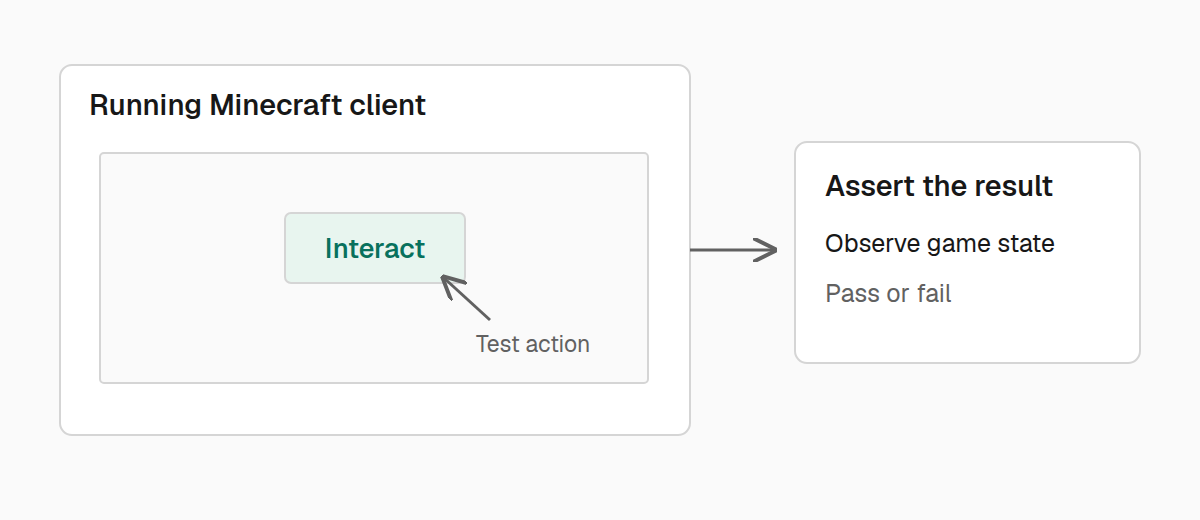
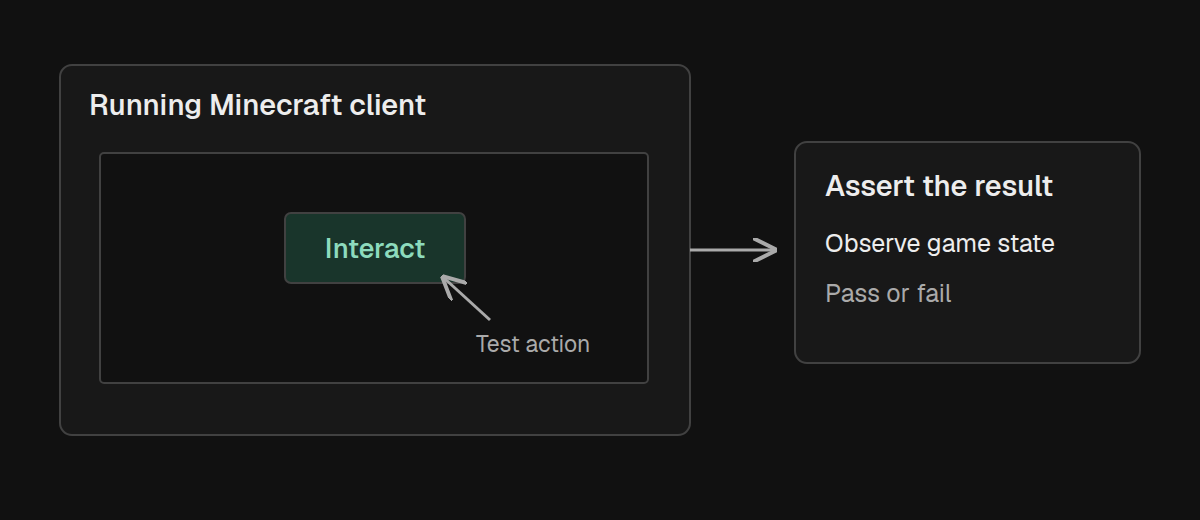
Start by adding TeaKit to your mod. You keep your existing Gradle project; TeaKit supplies the test tools and editor types.
Write a test around a player action
A useful test has a small setup, one action, and a result the player would notice. Writing tests covers assertions, setup, cleanup, and waiting for the game to respond.
Build a predictable place to test with world fixtures, then move a player, use an item, or check their inventory. For longer routes, send the player across terrain and let TeaKit choose whether to walk, swim, ride, or fly. To test a menu, find its widgets and slots instead of relying on a fixed screen size.
Content checks cover recipes, registered content, entities, and drops. If you already have Java GameTests, run them from your TeaKit suite. Use a separate client and server when a feature depends on multiplayer behavior.
Find out why a test failed
Diagnostics shows how to attach screenshots and state, read run logs, and inspect instrumented calls. Running tests helps you select a file or group of tests while you work; CI covers unattended runs and saving their reports.
TeaKit complements smaller tests. Keep pure calculations in unit tests and self-contained server mechanics in GameTests when those are sufficient. Use a live Minecraft client for the interactions that need one.